Updating billing information
To update your billing information, follow these steps:
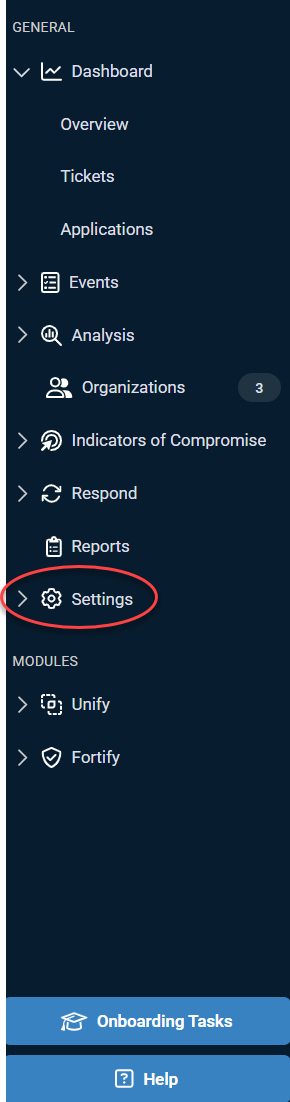
1. Access Settings: Click Settings in the side navigation menu.
2. Edit General Information: On the General Information tab, scroll down to the Billing Address and Payment Method sections. Click Edit for the Billing Address and Update Card for the Payment Method.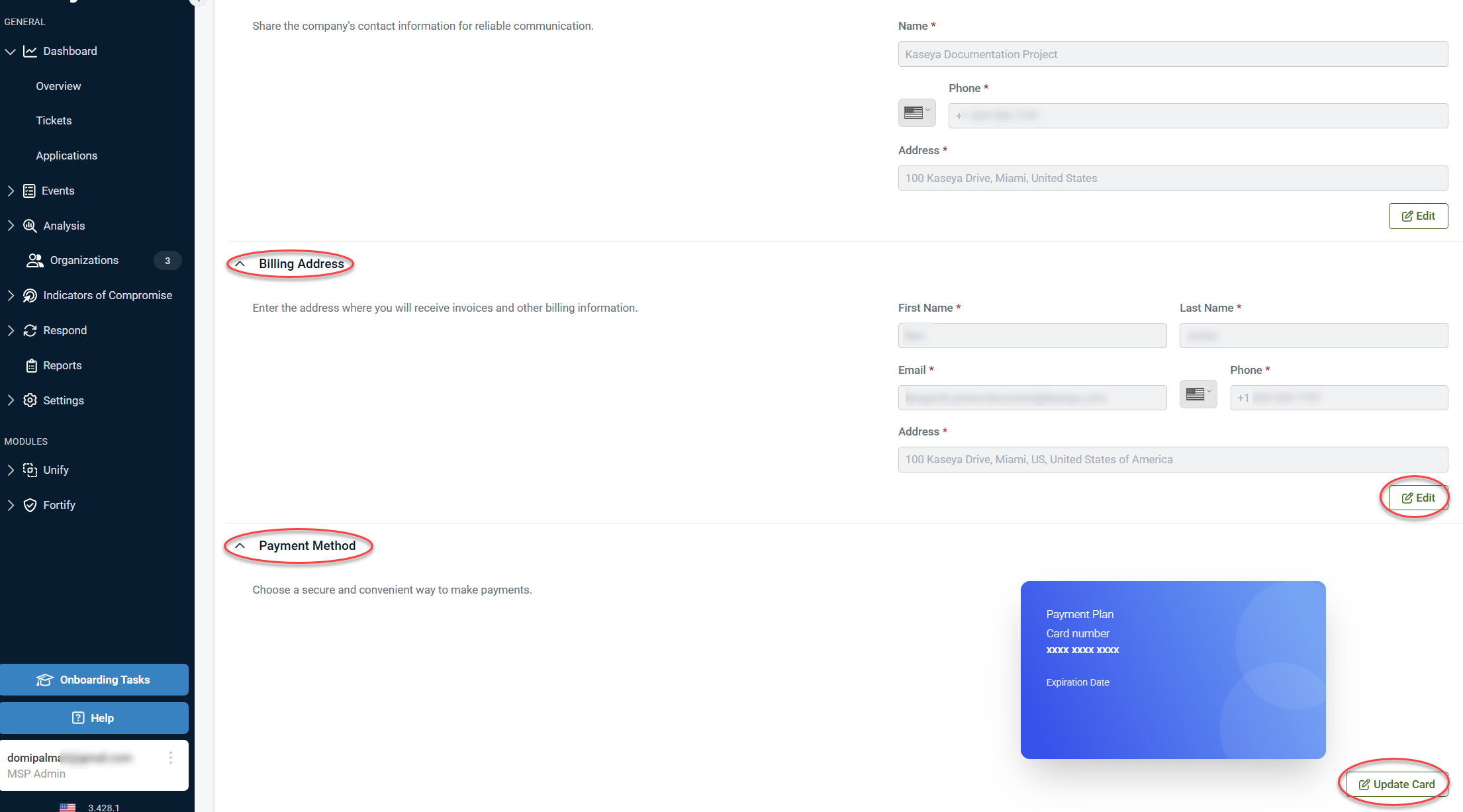
NOTE Only users with an MSP admin account can view or edit this information.
Adding tax-exempt status
If you need to apply for tax-exempt status for your partner, email billing@saasalerts.com and attach a copy of your resale certificate to support your request.
Requesting billing history
To request a copy of your billing history, please ensure the following:
-
Authorized contact: Only the primary contact or current billing contact can submit this request.
-
Email request: Send an email to billing@saasalerts.com and specify the date range you would like to include in your billing history report.
This knowledge base article aims to provide clear instructions for managing your billing information. If you need further assistance, don’t hesitate to reach out to our support team.


