Stale account cleanup process
Account Management allows MSPs to secure tenant organizations by efficiently removing threat vectors. This will allow you to block sign-ins and delete stale accounts, reducing threat vectors for all your customers. This feature is currently available for Organizations/Accounts with a current Microsoft and/or Google Workspace with a Respond Connection.
Specifications
- You must be an MSP admin within SaaS Alerts to access the Account Management tool.
- The Account Management tool utilizes the Respond module. For Respond to affect a user account in any way, global admin credentials must be used when creating the organization's connection in Respond. Refer to Managing Respond Connections.
- Each organization's connection must be configured using a unique local global admin account.
Steps in SaaS Alerts
To access Account Management, complete the following steps:
-
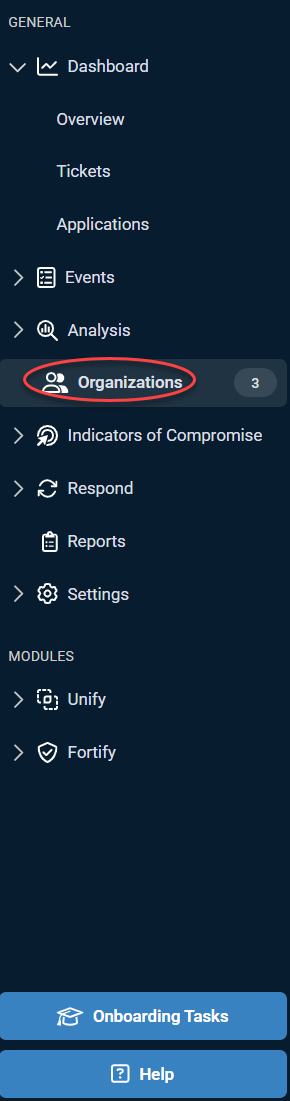
From the side navigation menu, click Organizations.
-
Click Account Management.
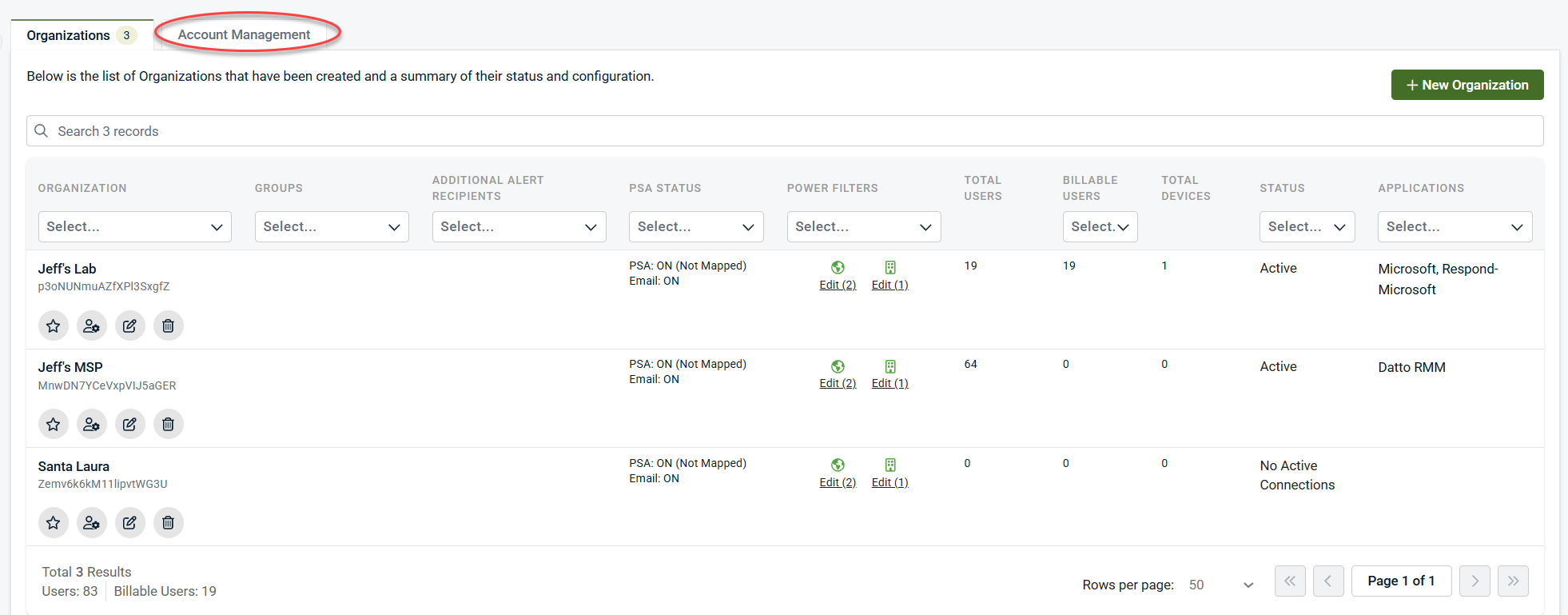
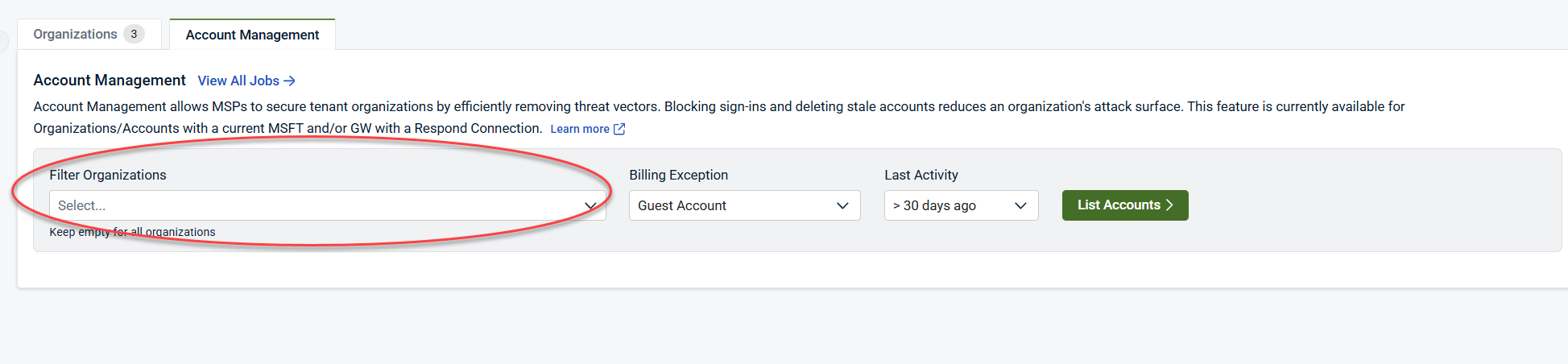
Filter Organizations will allow you to select one or several organizations. To select all organizations, leave this field empty. -
Select the organization(s) from the drop-down list.
-
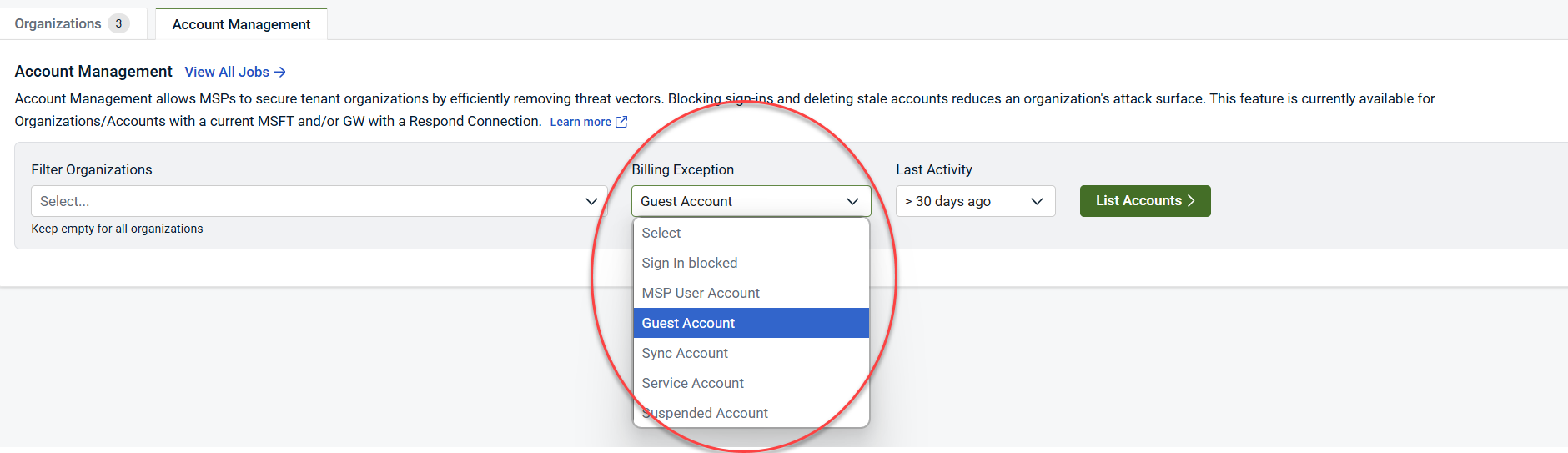
Select one Billing Exception from the drop-down menu.
-
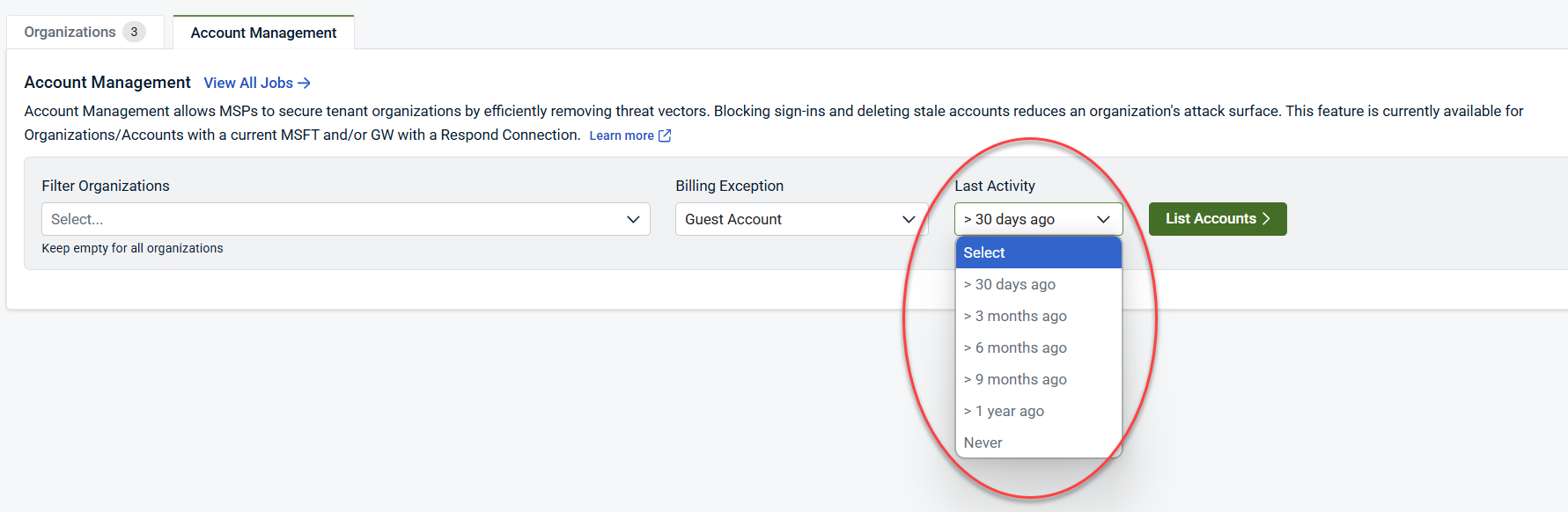
Choose one option from the Last Activity drop-down menu. As an example, if you select >30 days ago, you will list accounts that signed in more than 30 days ago.
-
Click List Accounts to display the results.

-
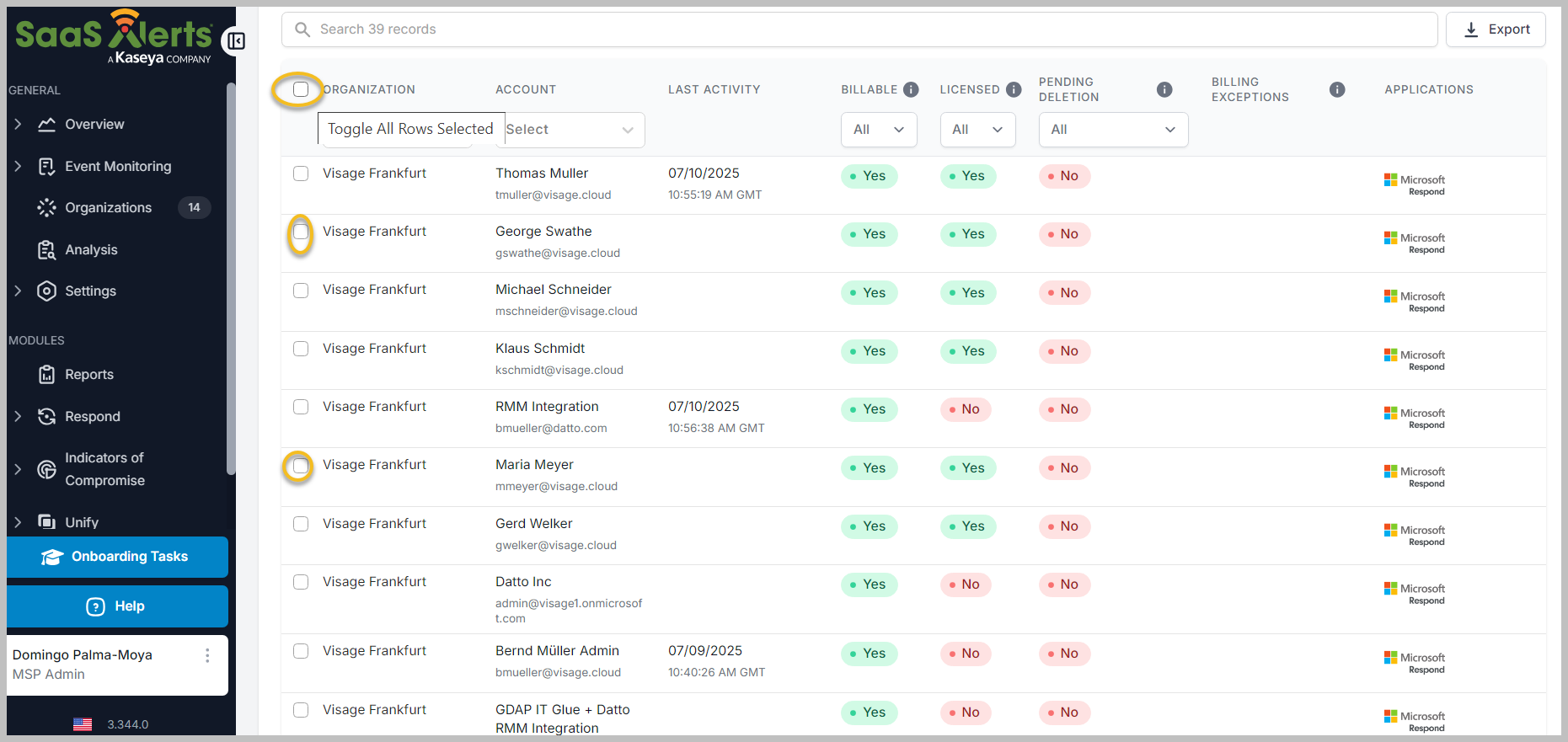
You can select all organizations from the list or specific ones.
-
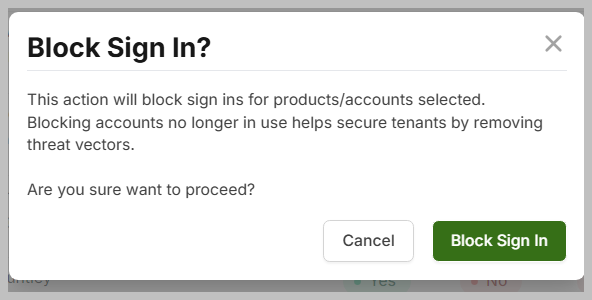
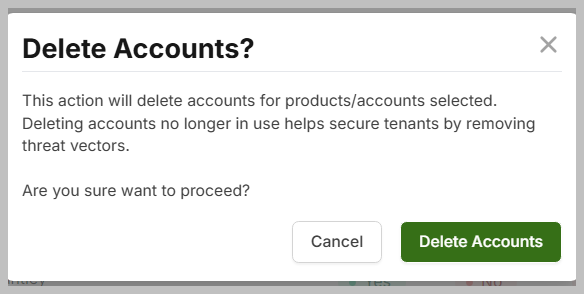
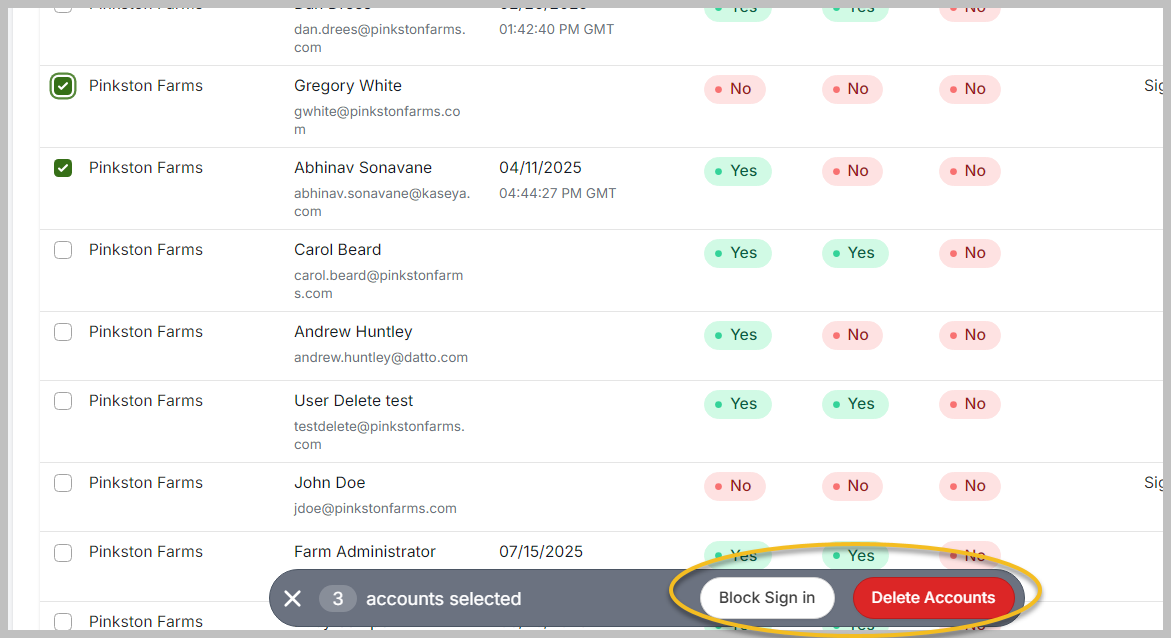
Once you have selected the organizations, you can either set the accounts to Block Sign in or Delete Accounts.
-
When you select an action, you will be prompted to confirm either Block Sign in or Delete Accounts.