Receiving alert events from SaaS Alerts in Slack
To integrate SaaS Alerts into Slack, you will want to either create a new channel or use an existing one.
-
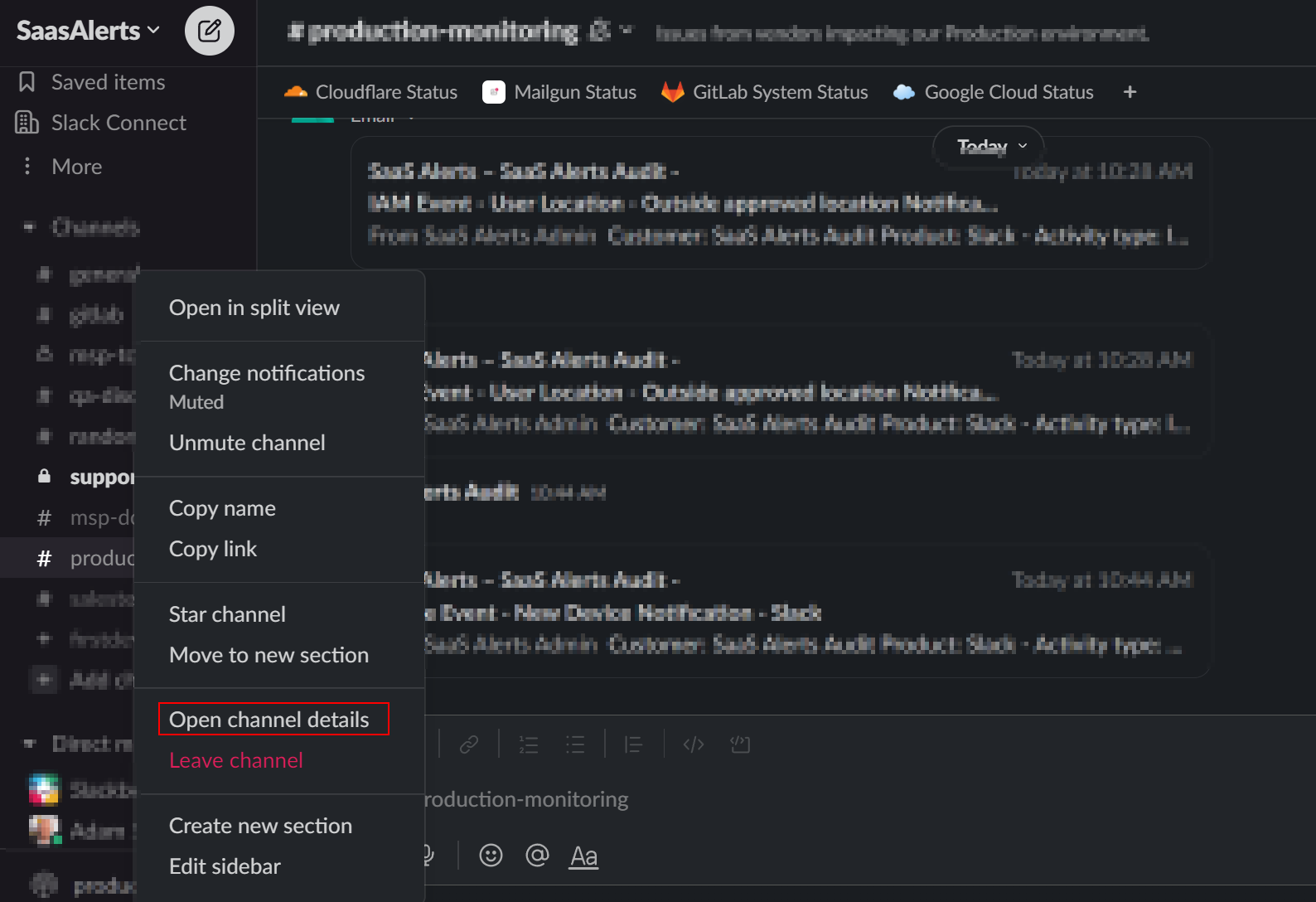
Within the Slack UI, right-click the channel you wish to use and select Open Channel Details.
-
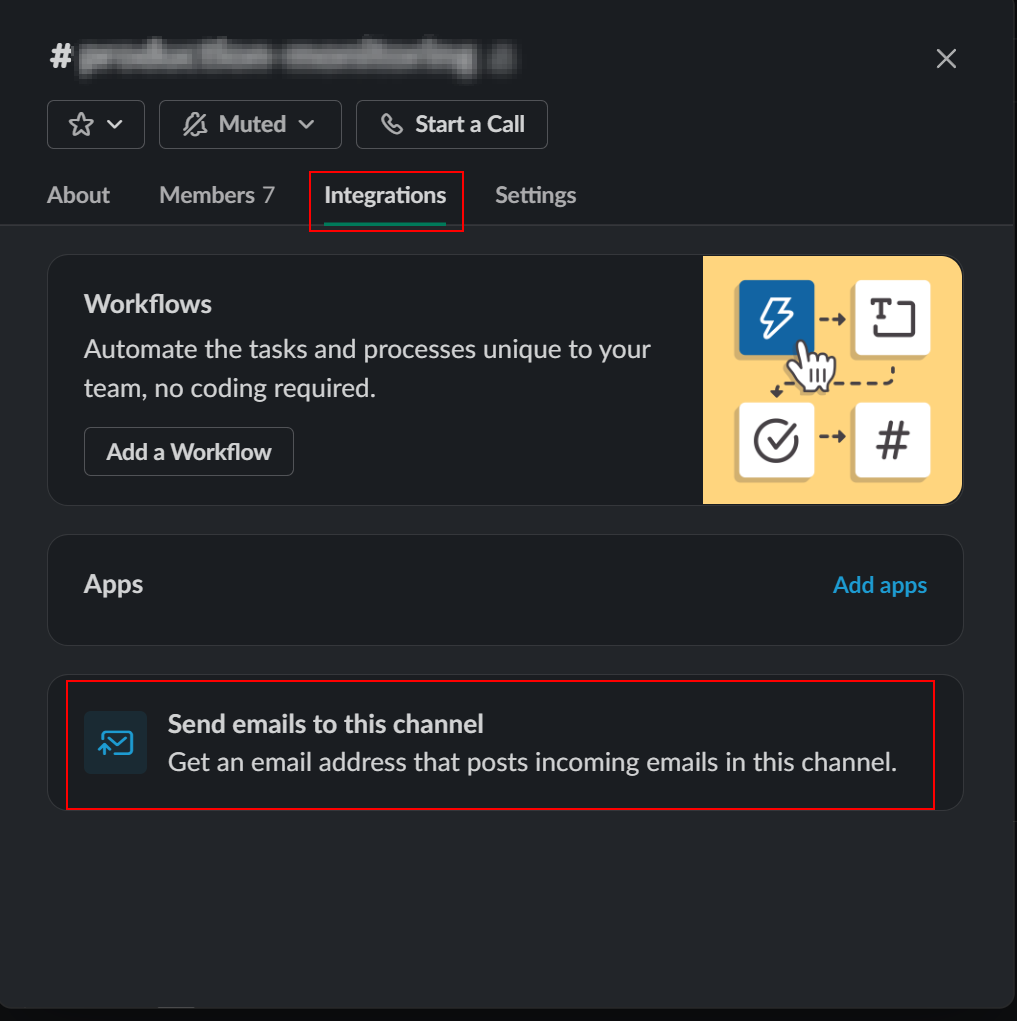
Select the Integrations tab and click the Send emails to this channel option.
-
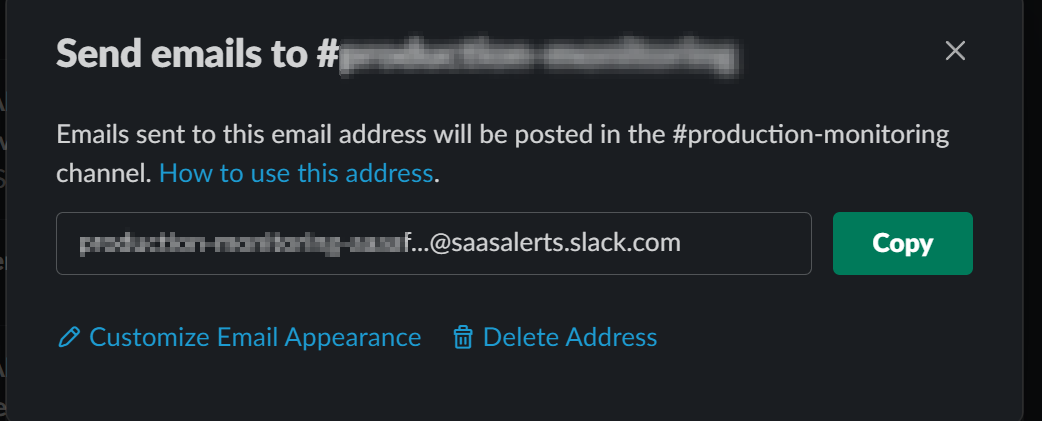
This will then generate an email address (which you may customize) to use for alerts.
-
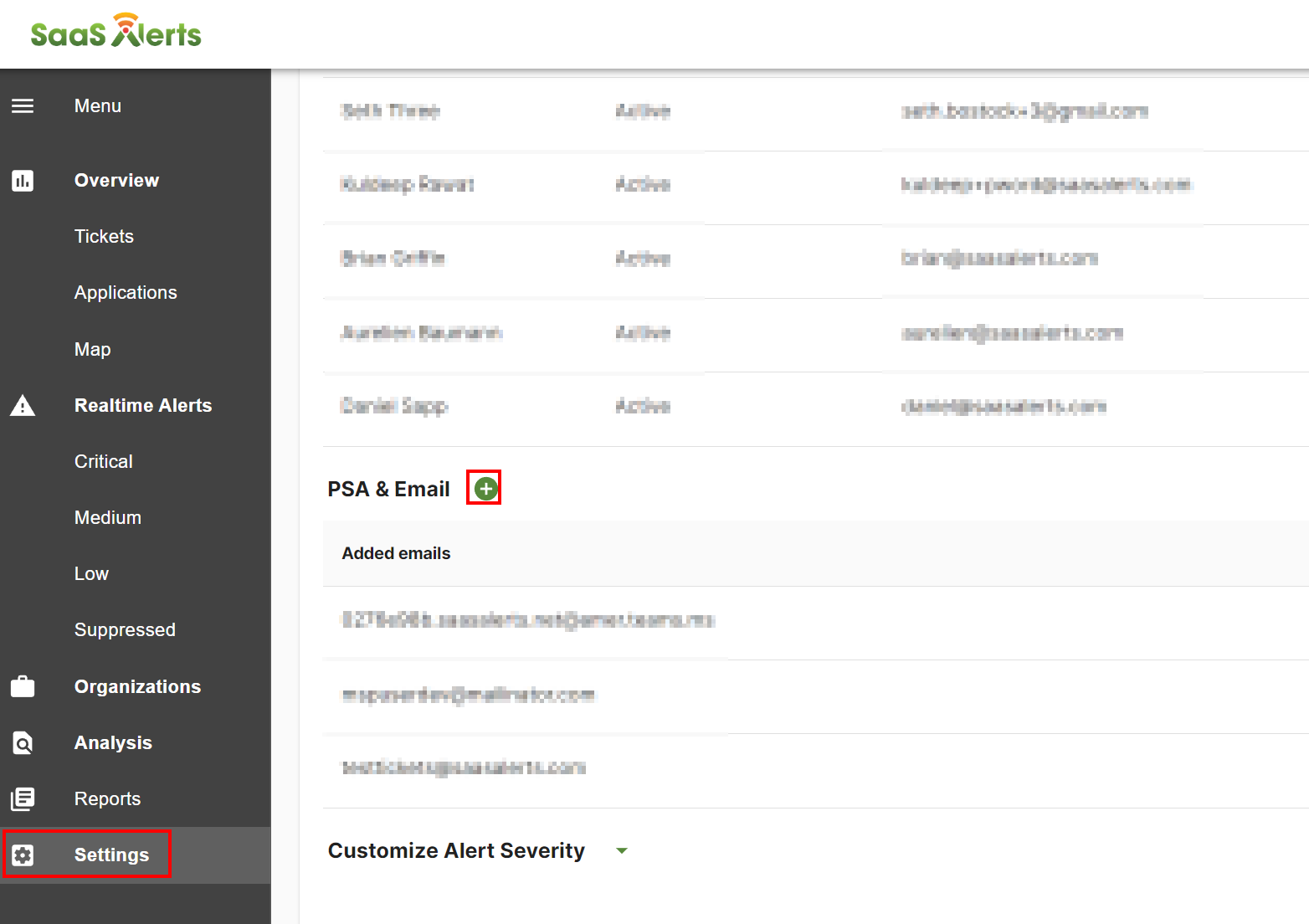
In SaaS Alerts, navigate to Settings > PSA & Email, click the green + icon, and add the address that was generated in the preceding step.