Elevating an MSP User to an MSP Admin
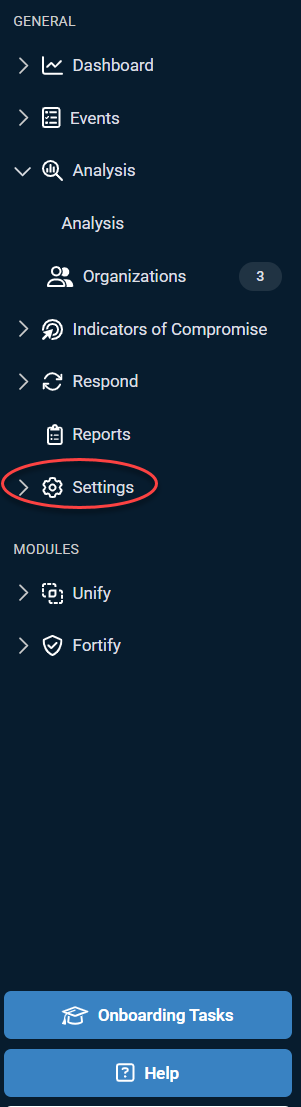
1. Expand Settings.
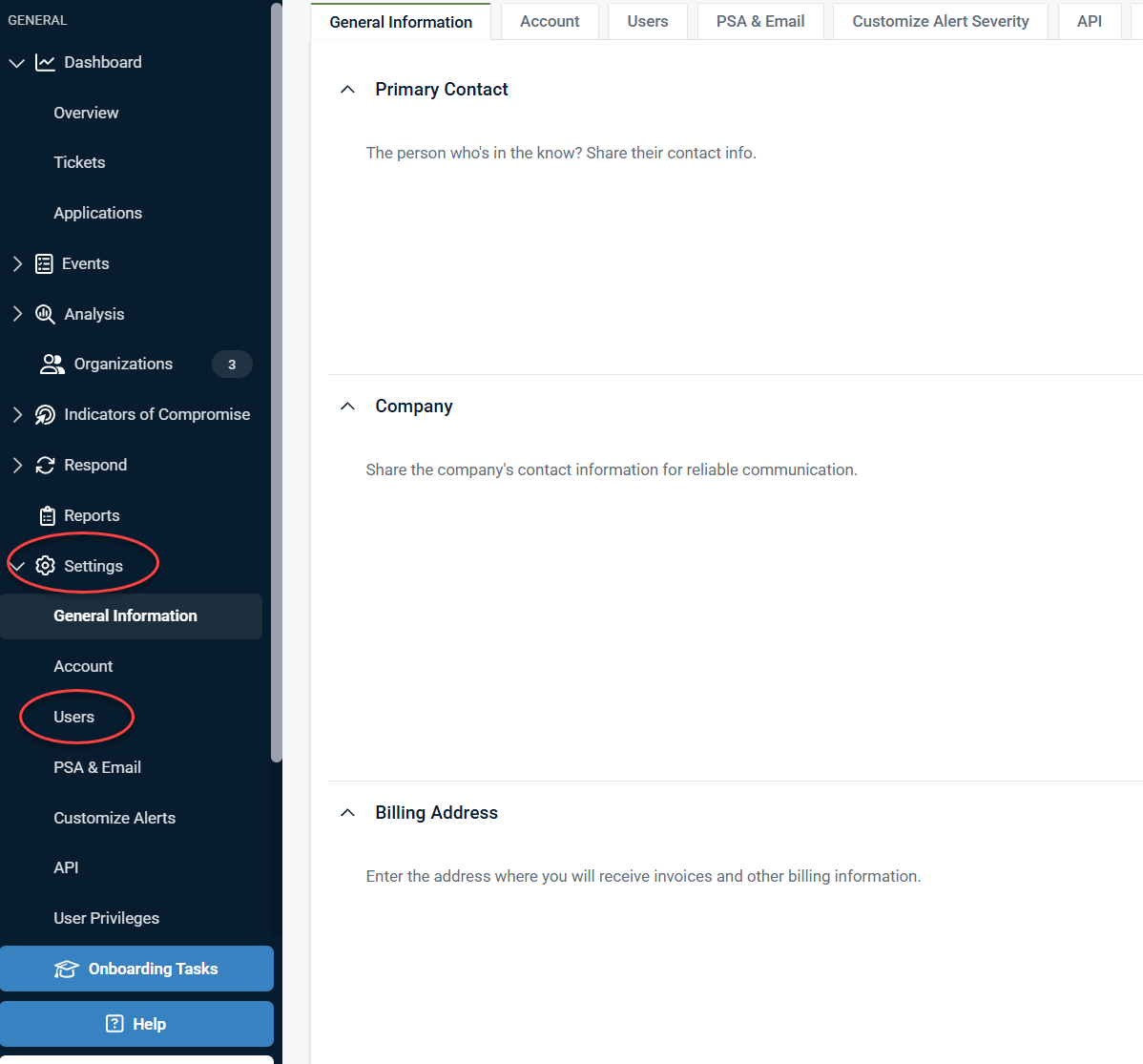
2. Click Users.
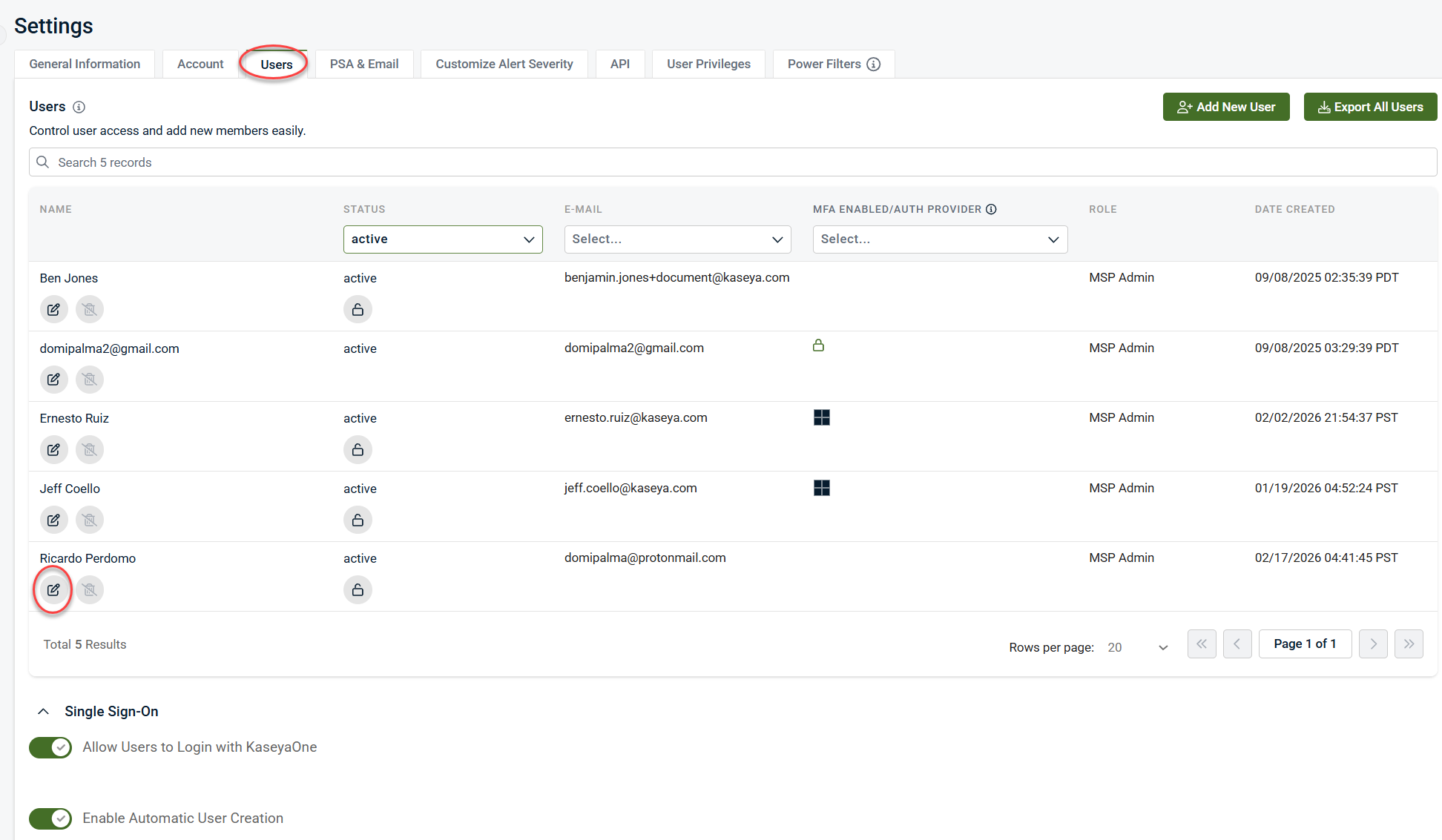
3. Click the edit pencil icon next to the MSP User you want to promote to an MSP Admin.
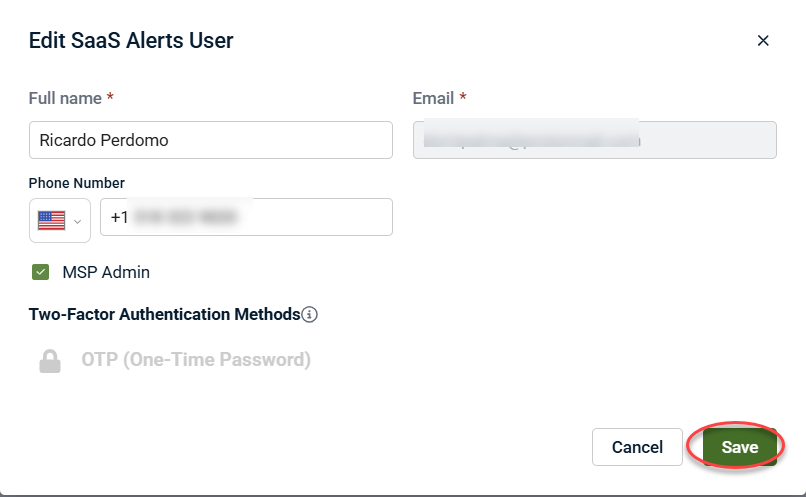
4. Select the MSP Admin check box.
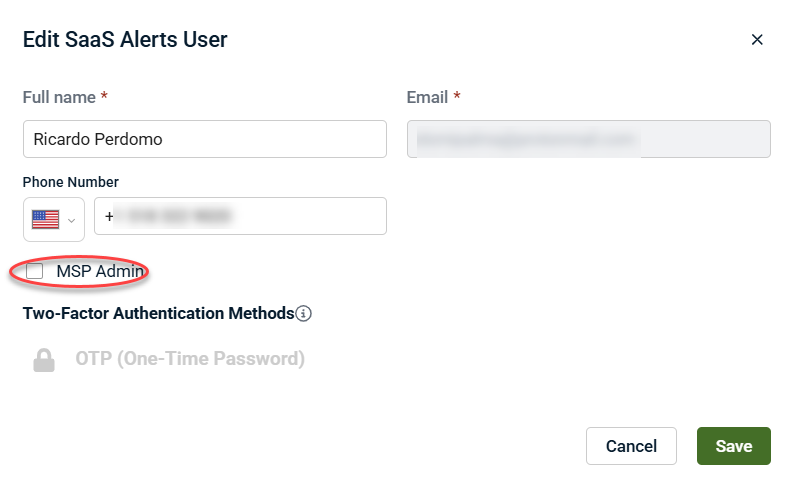
5. Click Save.