Deleting an organization from SaaS Alerts
IMPORTANT Deleting an organization from the SaaS Alerts UI permanently removes all associated event history. If you need to preserve alert data, use Analysis to export queries for the organization before deleting it.
If the organization is connected to Fortify, disconnect it in the Fortify UI first.
To delete the organization, do the following:
1. Click Organizations in the side navigation menu.
2. In the Organizations list, click the trash icon for the organization.
3. Confirm the deletion.
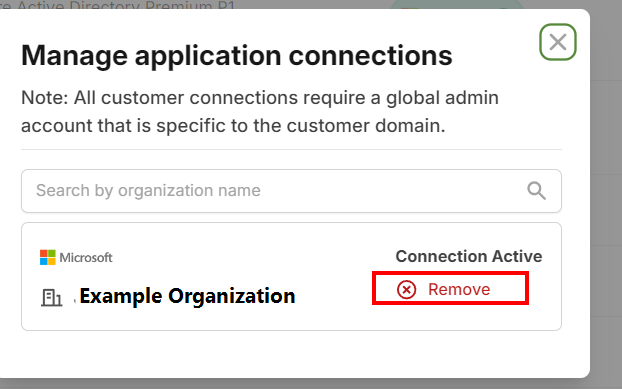
Application connections do not need to be disconnected prior to deletion; they are removed automatically as part of the process.


